Turn it in 3D

See it in your space

Put Instabooth 2.0 on your venue's floor at its real size, 200.5 × 120.5 × 198.5 cm. Walk round it, step back to judge the space it takes, and look in through both doorways.

Scan with your phone's cameraIt opens this page on your phone, and the booth in your phone's own AR viewer, on iPhone and Android.

This phone couldn't open AR. Try it on another phone, or turn the booth in 3D instead.

Find the floor, drag it into place, walk round it.

Open this page in Safari to place the booth. The app you're in can't open AR. Use its menu to open in Safari, or copy the link.
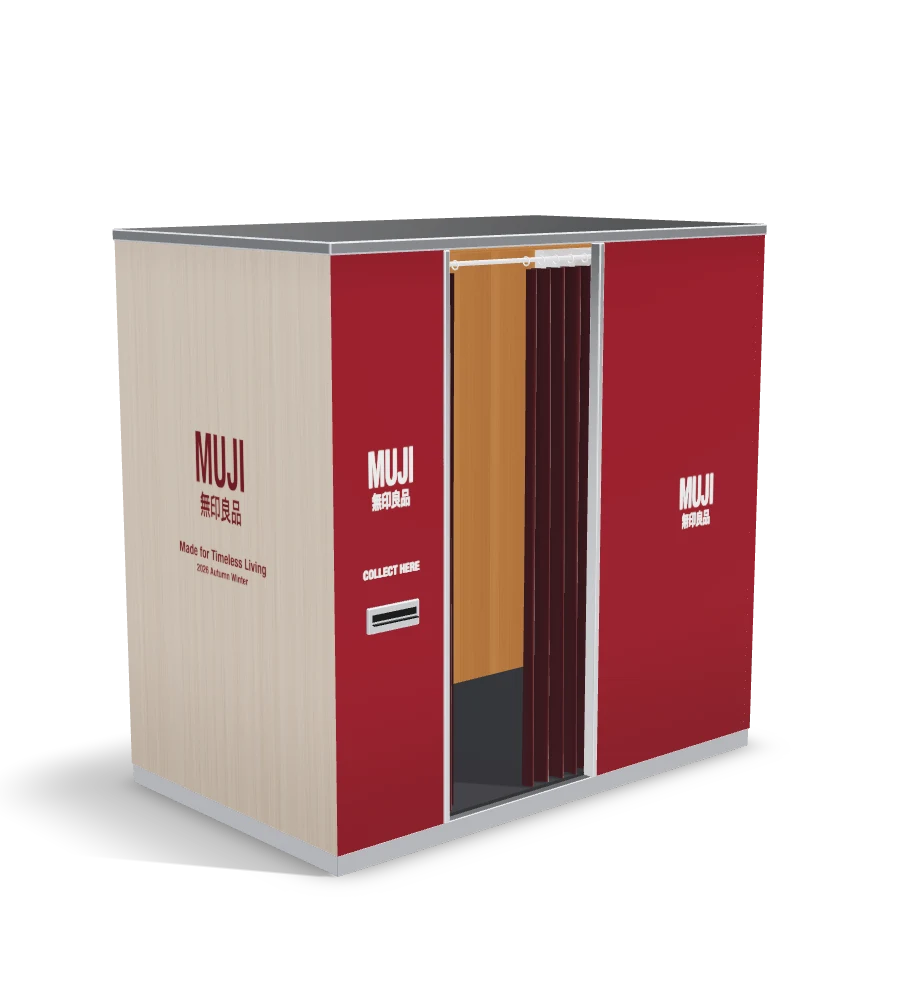
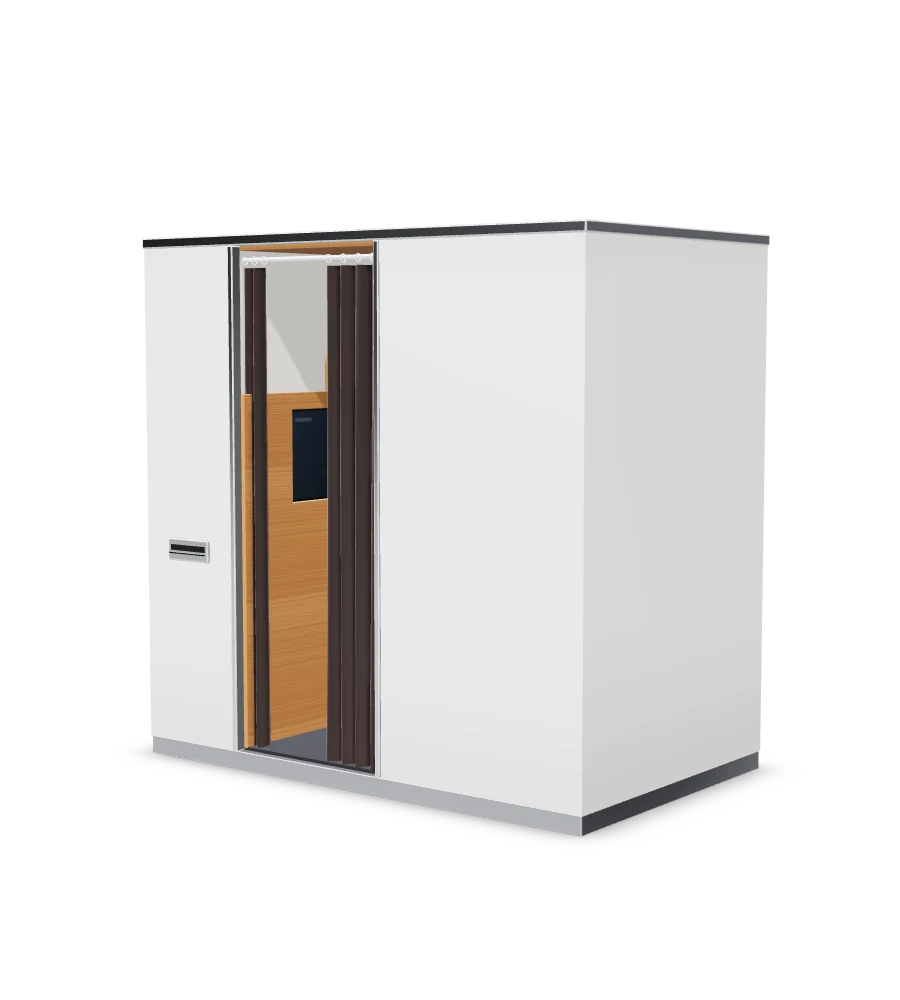
Instabooth 2.0 in the wrap we built for MUJI at Pavilion KL Instabooth 2.0 in plain white
200.5 W × 120.5 D × 198.5 H cm

How to place it

Your phone's own AR viewer opens next.

  1. Find the floor

    Point your phone at the floor and move it slowly from side to side until the booth appears. Good light helps.

  2. Drag and twist

    Drag the booth to move it. Twist two fingers to turn it. It's locked to its real size, so pinching won't change it.

  3. Walk round it

    Step back to see the space it takes, then look in through either entrance. Signs name each part.